

Visual Request Timeline
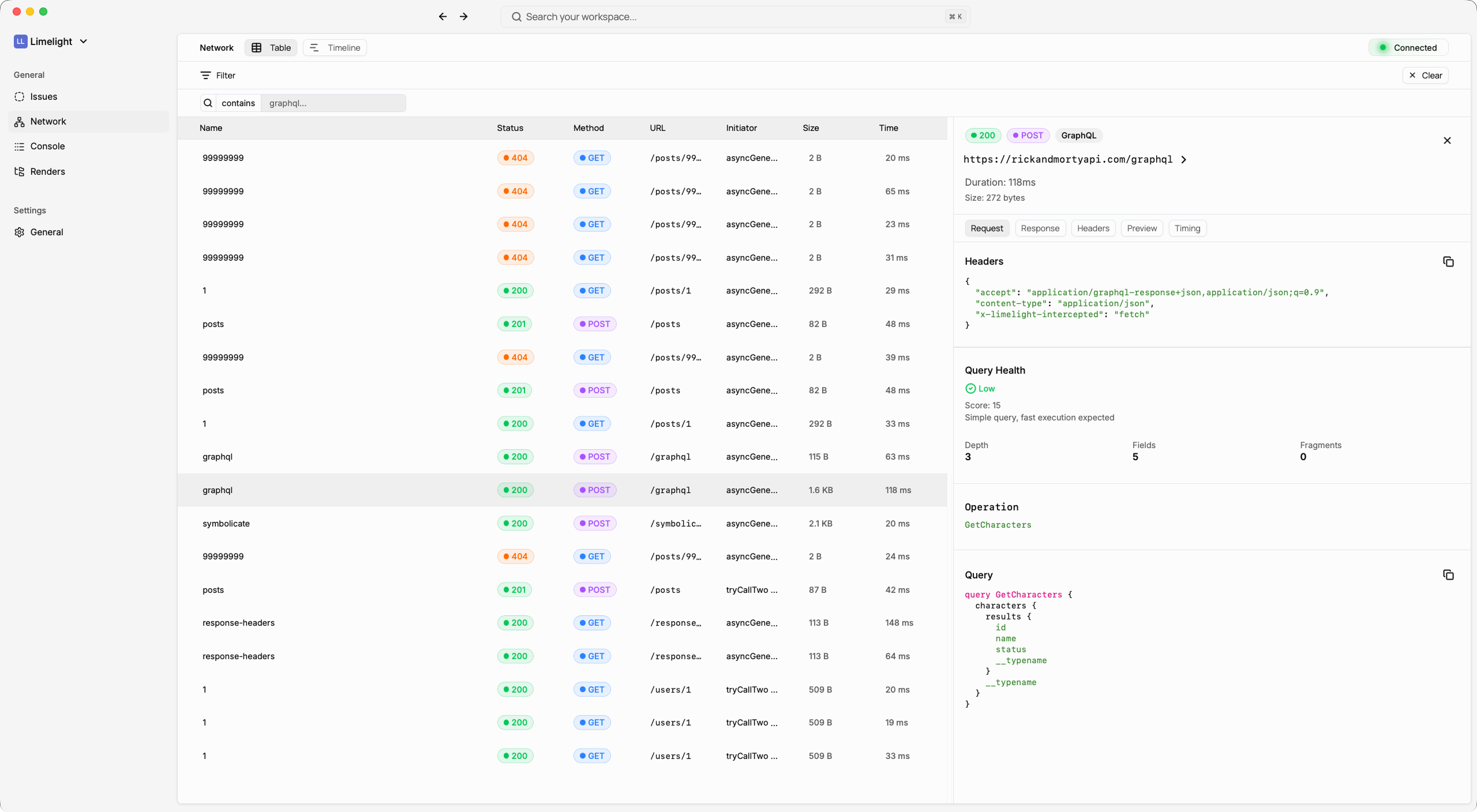
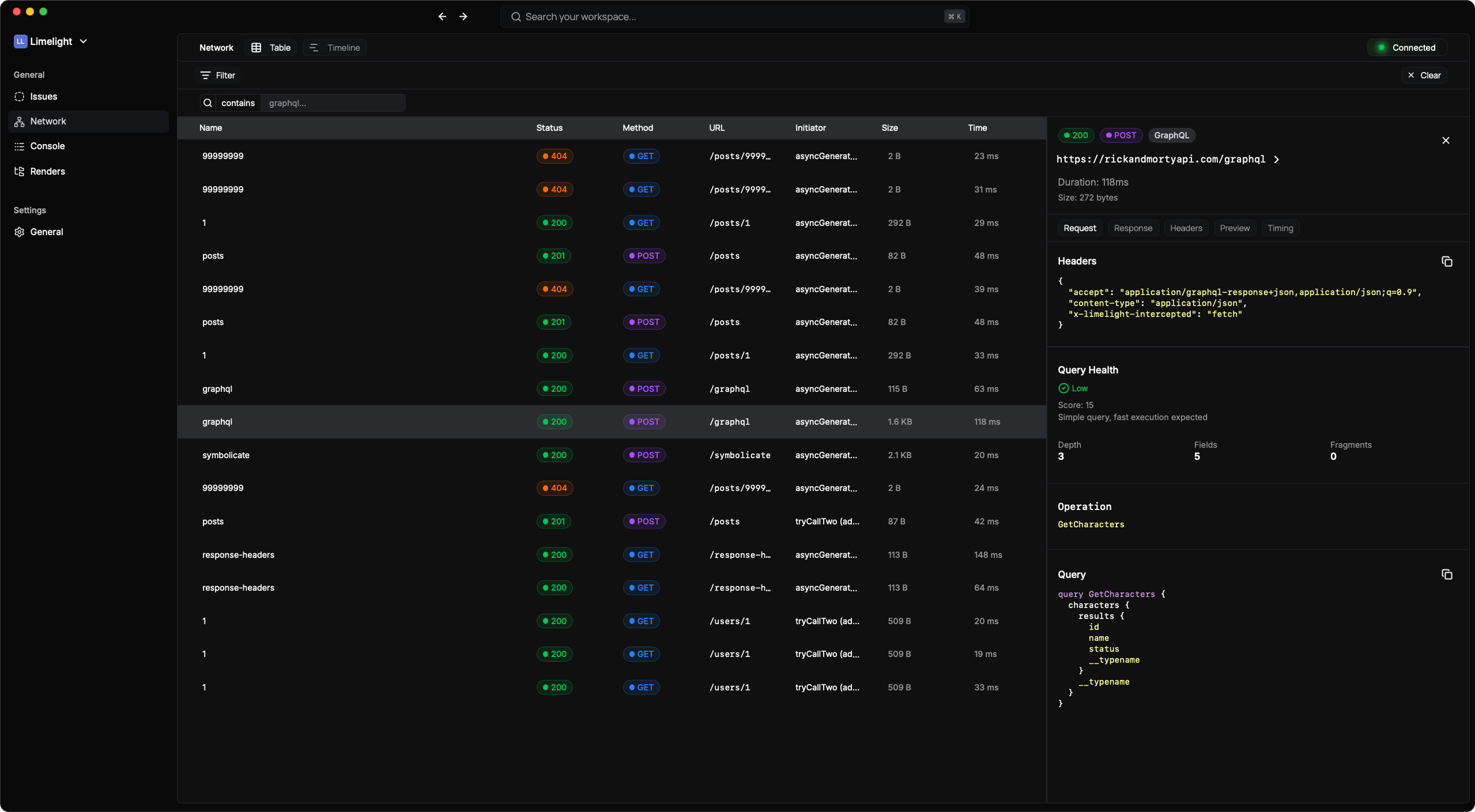
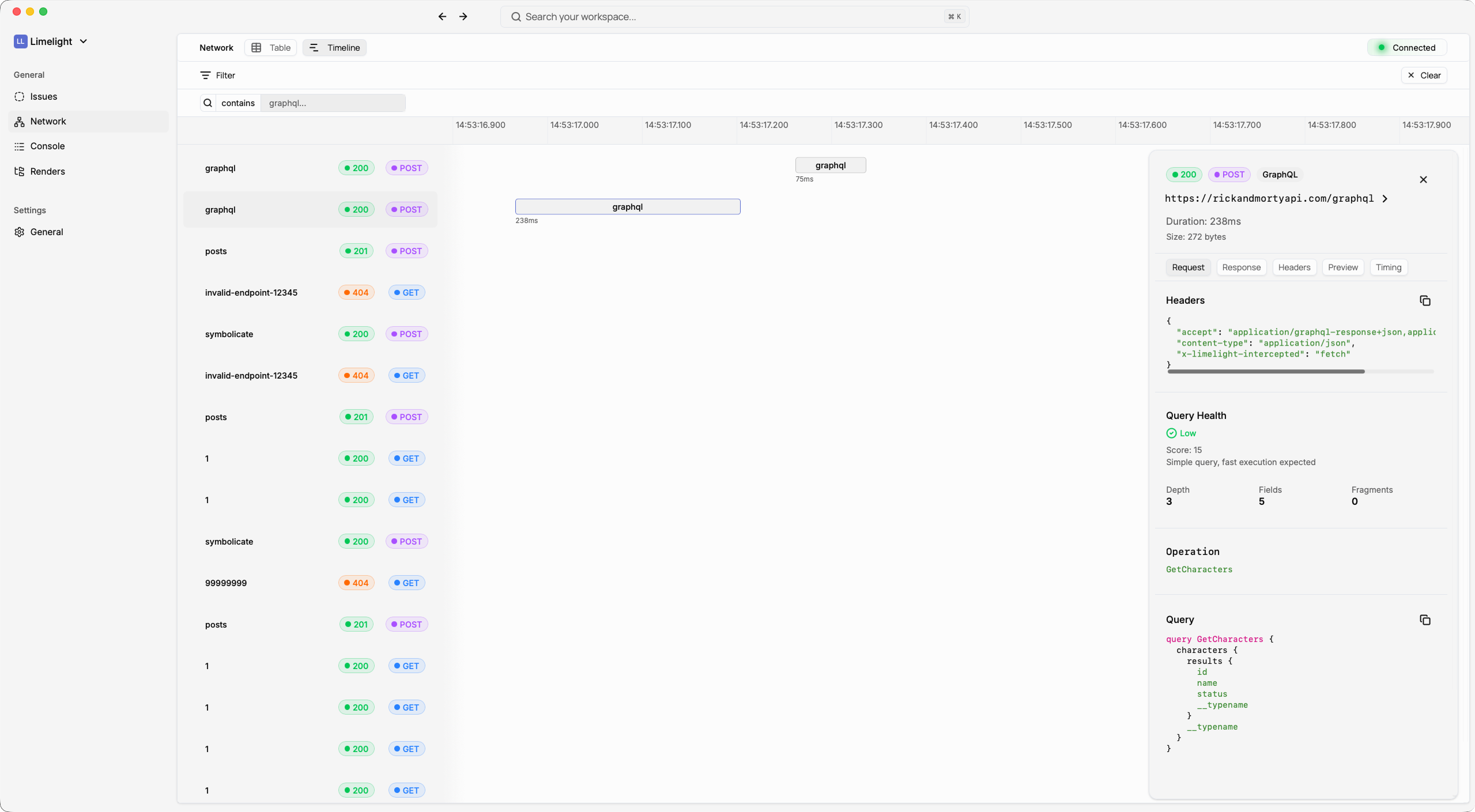
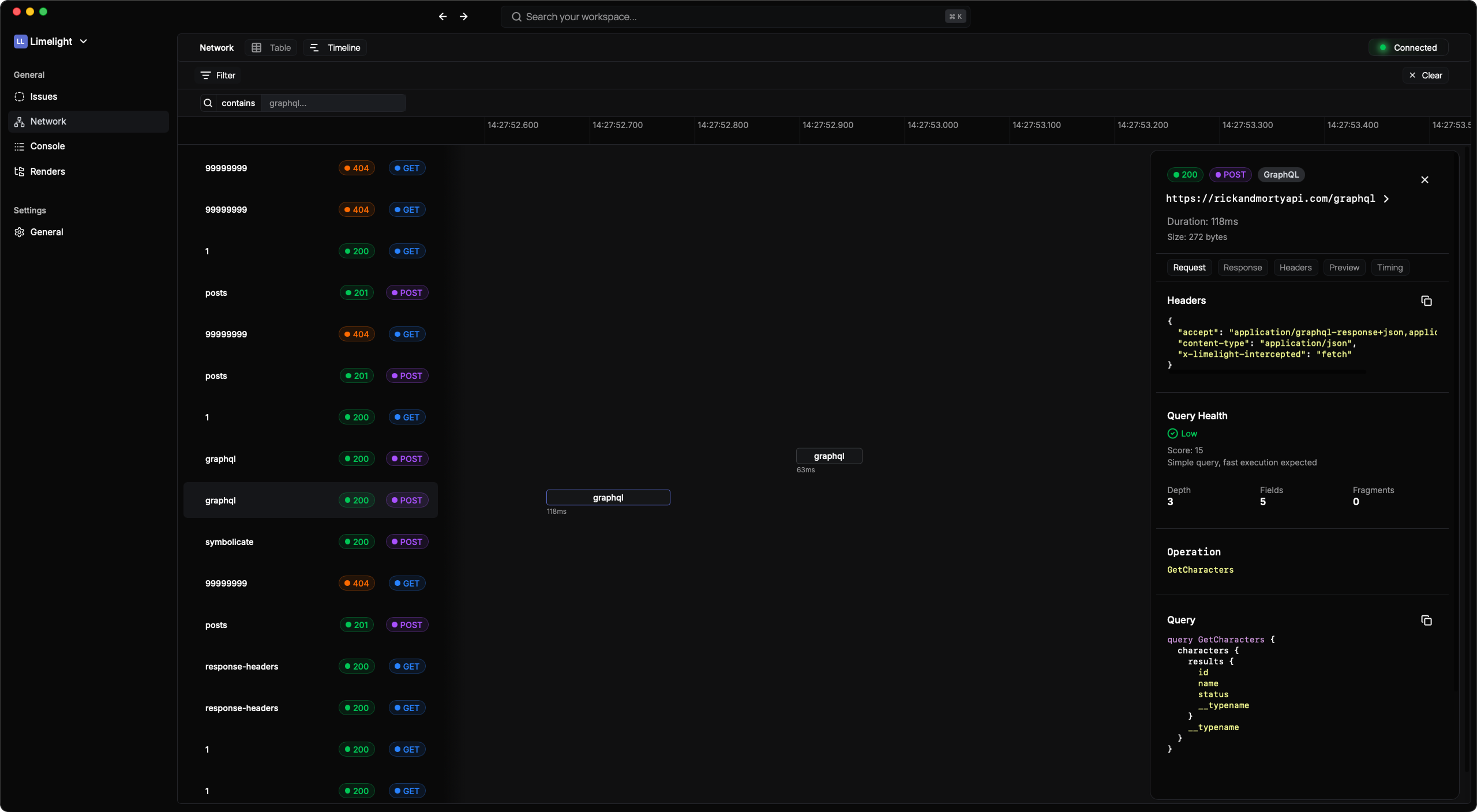
Get a complete view of every network request your app makes:- Interactive timeline with zoom and pan controls
- Real-time updates as requests complete
- Advanced filtering by method, status, URL, or GraphQL operations
- Request timing visualization to spot slow endpoints instantly
Deep Request Analysis
Click any request to see:- Full request and response headers
- Request/response body with interactive JSON viewer
- Method, URL, status code, and timing metrics
- Request/response size tracking
- Syntax highlighting for different data types
Interactive JSON Viewer
Navigate complex API responses effortlessly:- Expand/collapse nested objects and arrays
- Syntax highlighting (strings, numbers, booleans, null)
- Clickable URLs automatically detected and linked
- Copy functionality at any level
- Deep nesting support with visual indentation
- Light/dark mode aware
GraphQL-First Debugging
Limelight is the only React Native debugger built specifically for GraphQL. Here’s what makes it special:Automatic GraphQL Detection
No configuration needed. Limelight automatically:- Detects GraphQL requests from any client (Apollo, urql, Relay, plain fetch)
- Extracts and parses queries, mutations, and subscriptions
- Works with any GraphQL server and client library
Query Complexity Analysis
Understand the performance impact of every GraphQL operation:Complexity Scoring
Real-time analysis based on query depth, field count, and fragment usage
Actionable Recommendations:
Limelight automatically warns you about:
- Deep nesting (depth > 4 levels)
- Large field counts (> 100 fields selected)
- Fragment overuse (> 10 fragments in one query)
Beautiful GraphQL Formatting
Every GraphQL request is formatted for easy reading: Operation Display:- Operation name prominently displayed
- Separated sections for query, variables, and response
- Individual copy buttons for each section
- Full GraphQL syntax highlighting with color-coded:
- Keywords (
query,mutation,fragment) - Type names and field names
- Variables and directives
- String values, numbers, and booleans
- Keywords (
- Preserves formatting with proper indentation
- Theme-aware (light/dark mode)
- Interactive JSON display for variables
- Expand/collapse complex variable structures
- Separate copy functionality
GraphQL Error Handling
When GraphQL errors occur, Limelight makes them crystal clear:- Extracts GraphQL errors from response body
- Beautiful error cards showing:
- Error message prominence
- Field path where error occurred
- Line and column numbers
- Error codes and extensions
- Multiple error support with individual cards
- Expandable details for complex errors