> ## Documentation Index
> Fetch the complete documentation index at: https://docs.getlimelight.io/llms.txt
> Use this file to discover all available pages before exploring further.
# Console logs
### Smart Log Capture
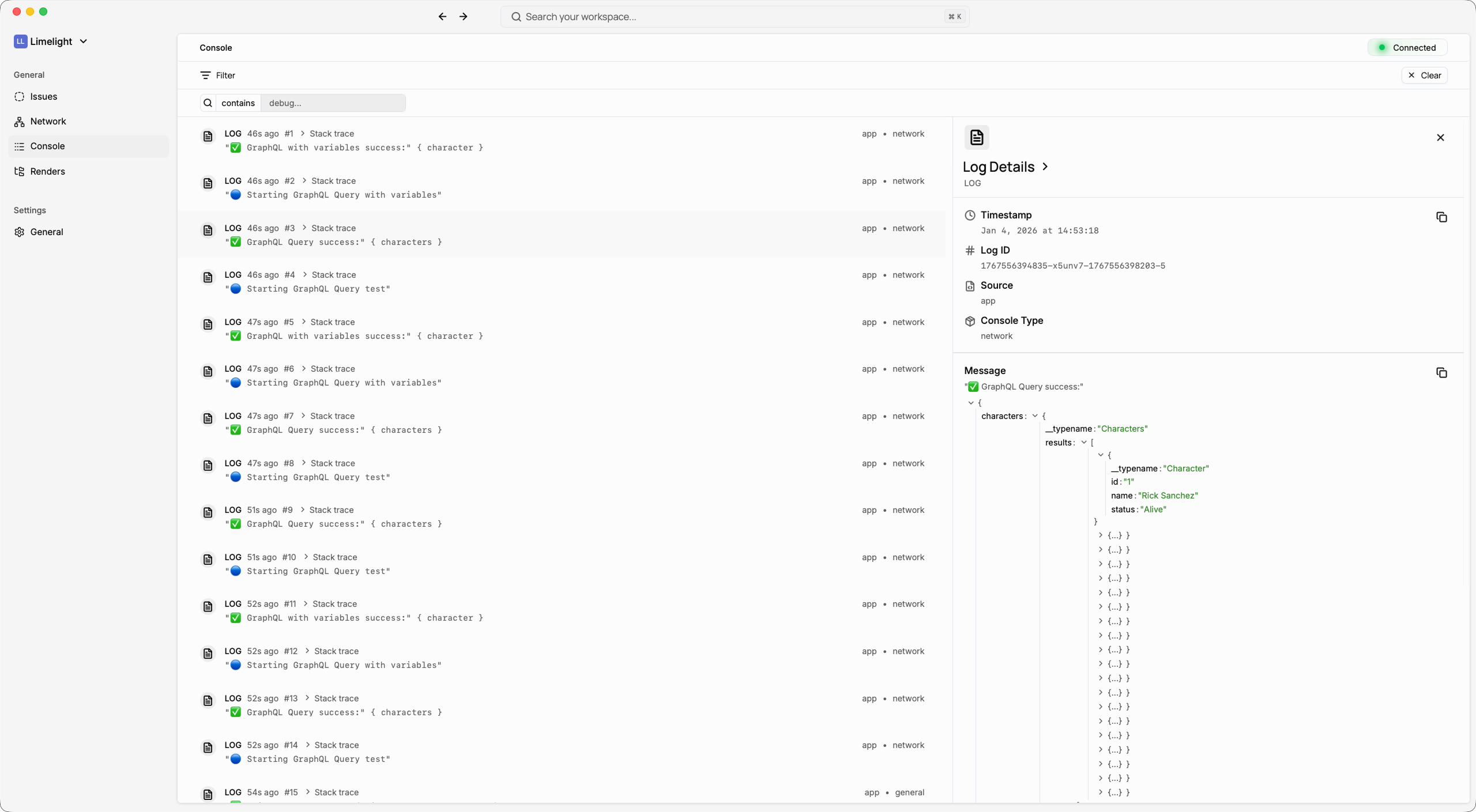
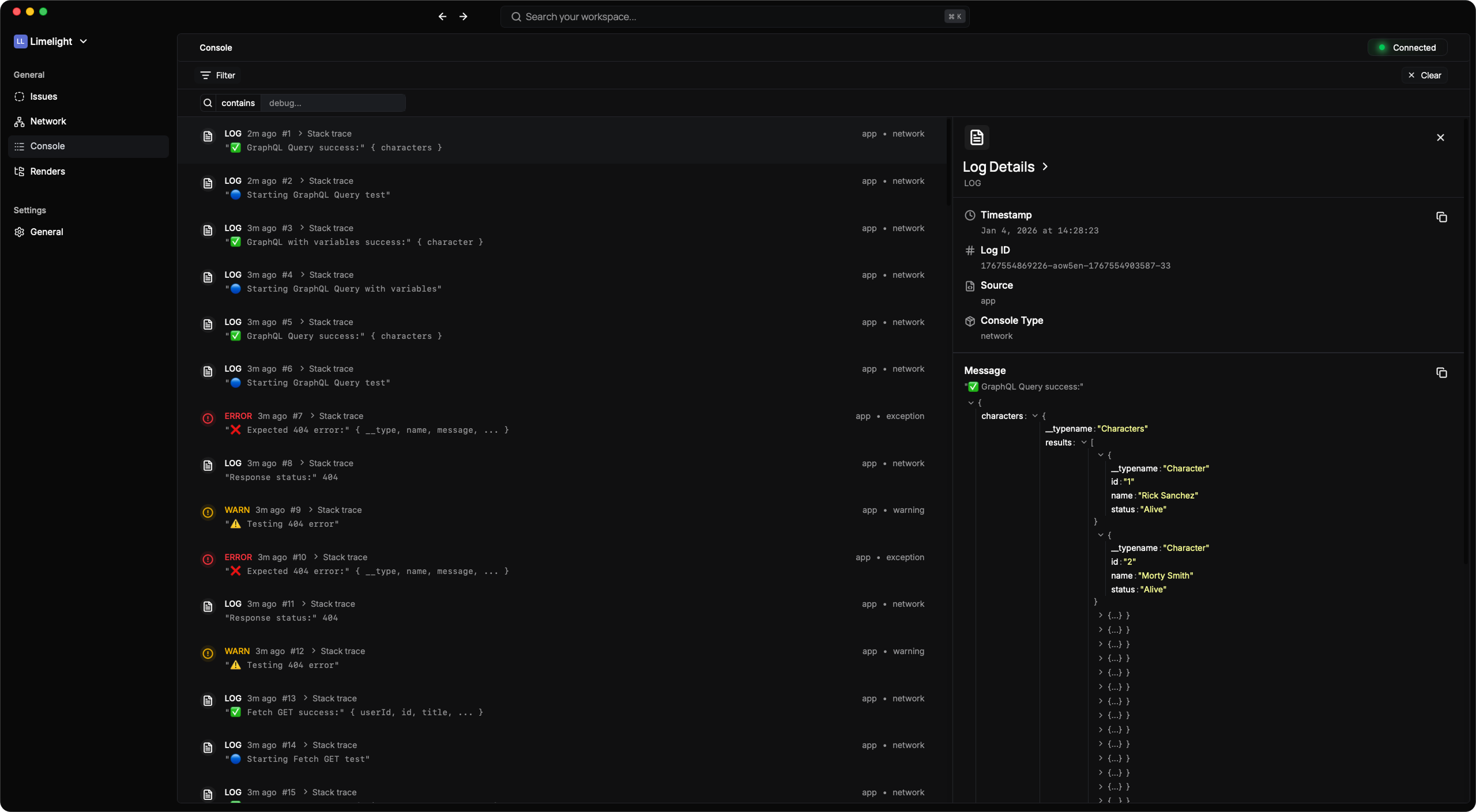
See every console log from your app:
* **All console methods** (log, warn, error, info, debug, trace)
* **Timestamps** for every log
* **Stack traces** when available
* **Source detection** (app code vs library vs React Native)
### Advanced Filtering
Find what you need quickly:
* Filter by **log level** (error, warn, info, etc.)
* Filter by **source** (your app, libraries, React Native core)
* **Search** through log messages
* **Time-based filtering** to focus on specific moments